Today I’m going to start on a new series of tutorials that will teach you how to build a website using MODx CMS. As always, I invite you to add comments and share your knowledge as we learn and build together. I also encourage you, as you follow these tutorials, to work along with me, installing a local copy of MODx on your computer so that you can follow along and see MODx in action.
What is MODx?
MODx CMS is a described as a “Content Management Framework”. Quoting from the MODxCMS website
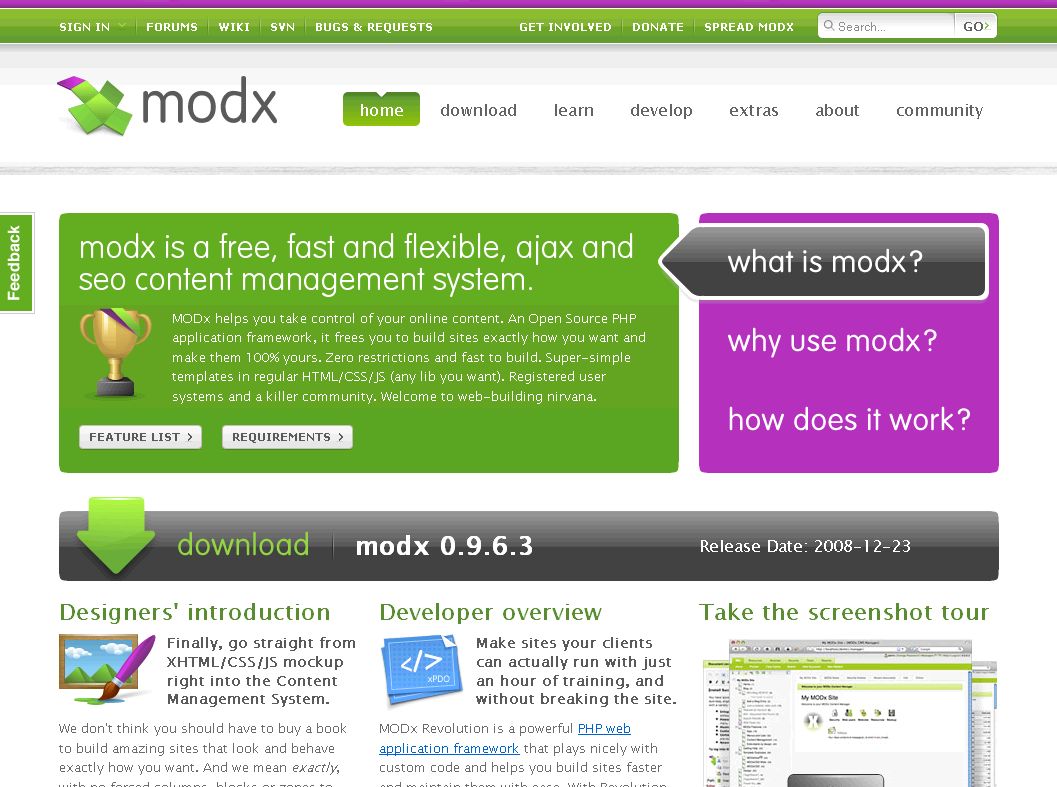
“MODx helps you take control of your online content. An Open Source PHP application framework, it frees you to build sites exactly how you want and make them 100% yours. Zero restrictions and fast to build. Super-simple templates in regular HTML/CSS/JS (any lib you want). Registered user systems and a killer community. Welcome to web-building nirvana.”
Well that sounds pretty awesome, doesn’t it? This is just too hard to resist, so let’s give MODxCMS a try. We are going to be building a basic website up from scratch and then adding and implementing features as we go. For starters, to inspire you, take a look at a selection of websites built on MODx CMS at the Made in MODx Site Gallery. Other MODx websites are showcased at MODx it! and at modxclub.
Why MODx?
I don’t think I can do this questions true justice but I’ll try. MODx is a flexible, powerful, and highly customizable PHP 5 Web Application Framework. The “templating system” (for lack of a better phrase) in MODx makes adopting any HTML/CSS template into your website a fast and clean process.
Developers can quickly incorporate custom code into MODx to implement features and expand functionality. MODx is SEO friendly, it’s API fully supports Web 2.0 Ajax technology, and supports custom content types.
The MODx project is a dynamic and growing system with an active community that is very responsive and helpful to beginners and to anyone interested in learning and working with MODx. As of this writing, the stable version of MODx is 0.9.6.3, but the next version of MODx, Revolution, is on the way, and promises many good things!
What do you need?
To work through these tutorials, and indeed any MODx tutorials, you’ll need at the very mininum a webserver that supports PHP. I use WAMP for local installs on my computer. If you’re using a mac you’ll need MAMP, and a LAMP setup if you’re on linux. You’ll also need to make a database available for the install. For a full list of what you’ll need to run MODx, see the General Requirements page. You’ll also require an interest to learn and the willingness to work through and discover new stuff. Your favorite beverage and some knowledge of PHP and HTML/CSS will go a long way! If you’re just building a standard website, then you don’t really need to know PHP, but for custom development and such, such knowledge will come in handy. As I mentioned before, content management systems are a good reason to learn PHP.
So strap on tight, stay tuned and get ready for the next installment which will cover installing MODx. For now, visit the MODx website, look around, do some reading, and go ahead and download a copy of MODx to your computer so you’ll be ready when we start the hands-on stuff. Also, make sure to have your development environment ready, whether you’re working locally on a wamp, mamp, or lamp setup, or if you’re building remotely on a hosted webserver.
Go to Part 2: Installing MODx
I just got started with modx myself and just barely got one website template implemented, so I’m really looking forward to reading the upcomming parts. Keep up the good work!
This is a great start. I look forward to your tutorial series. The more resources for getting started with MODx the better 🙂
Jonas and Shane, thanks for the feedback. I did have a hard time getting started with MODx so I’m hoping that this series will get more people aware of the power and flexibility of MODx and add to the documentation out there.
Keep reading. I look forward to more feedback!
This sounds like this is going to shape into a wonderful resource for getting started with MODx. I like that you really hit on our greatest asset: the MODx Community. They push MODx further, help each other and show what MODx can do beyond what was done yesterday, all with a positive attitude.
I certainly look forward to seeing more.
Jay,
thanks for the comment! Yes, I do think the MODx community is one of its strongest assets. It’s very responsive and supportive, and definitely a great learning space.
I hope you and Shane and other MODx’ers out there will continue to follow this series and share your feedback, knowledge, any corrections, suggestions, etc.
mary
Have you ever built a emailable (text and images) newsletter from within Modx?
Many thanks
Al
nice article by the way
Al
Thanks for your comment and feedback.
Interesting question, I actually have never created a newsletter in MODx, but it sounds like an interesting and doable project. I will work on it when I have time and let you know if I succeed.
thanks again 🙂
mary
Why is this classfied under flatfile CMS? This is NOT a flatfile CMS and has no support for any type of flatfile database. It supports MySql and nothing else.
John
Thanks for bringing that to my attention, must have clicked the wrong tag… 🙂 Corrected.
I’m really glad to have found this tutorial series! I am looking forward to following along with your suggestions on my quest to learn Modx! Thanks again.
Tim
You’re welcome! Thanks for the feedback 🙂
Thanks for this. I’ve just started using modx as my preferred CMS. Any tutorials on integrating a blog into an existing modx site would be much appreciated!
Yours is by far the best tutorial for Modx newbies! Are you planning on making it into an in-depth book? I love how you explain things. I am leery about purchasing the Modx Web Development book after seeing your tutorial. I hope it is as good as your tutorial. The tutorial posted by someone on the Modx wiki for the xspf_player is very confusing to me. I am afraid to buy the book and find that it’s like the xspf tutorial. Anyway, I truly appreciate your tutorial. If you turn it into a book, even as an eBook, I’d buy it.
Rosie
Thank you so much for the feedback. I may just go ahead and do that! 🙂
mary
I agree an ebook from your teaching style would be great. You’ve got another buyer here. I think there is a big need for more resources/tutorials for MODx Revo.
Mary (is that your name?) YOU ROCK!!
I think to learn website development Modx is best option!
But it should get more user and developer freindly using something different!
Hi,
All of sudden, I am unable to login through modx manager page. I made many websites using Modx but suddenly unable to login to all websites hosted in one server, all other websites hosted in other server is working fine. I have no clue, what’s wrong going on through this server. Please provide me necessary guidelines.
Bharat
What version of MODX are you using? What error are you getting when you try to log in? This sounds like a server problem since all the sites you’re unable to log into are on that one server. Have you checked the server error logs? Usually they can provide a clue as to the problem.
mary
How to make user role in Modx 2.2.